Brief
I worked on this project under a course taught by Graeme Devine at UCSC. Some starter code was provided by Graeme (base/helper classes and some bit operation magic number values), however the chess game functionality itself was programmed by me using techniques taught in the class.
Making Chess Efficiently
Throughout the course on advanced programming where I made this project I created tic-tac-toe, connect four, and finally chess in C++ and ImGui. As each game was implemented they were implemented more efficiently than the last. For example, the tic-tac-toe board state was stored using only a state string, then connect four used a 2D array, and then chess used bitboards. Bitboards are extremely efficient as you can store a bitmask for an entire 64-space chess board in an unsigned 64-bit integer. With masks for each piece type we can store an entire game state with only a few integers. With bitboards we can now also generate move masks using efficient bit operations or better yet multiplying a piece's position by a magic number.
AI Opponent
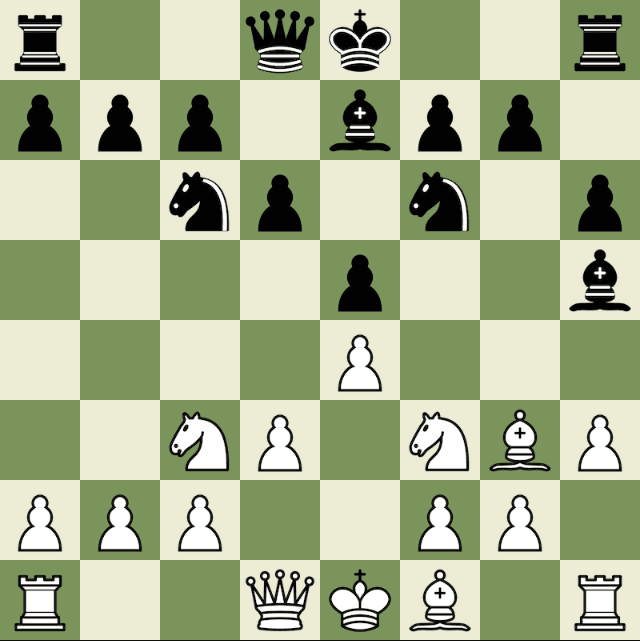
In this chess implementation you can play against an AI opponent which simply traverses over a tree checking possible moves and evaluating them. Negamax allows the game to be evaluated from both players' perspective more efficiently in the same search, while alpha-beta pruning makes sure branches that could not possibly evaluate better than known scores are not unnecessarily explored. The board evaluation algorithm scores a board based on material (how many and what pieces each player has) and piece square tables (scoring based on piece positioning). Thanks to the efficiency of bitboards the AI in its current state is able to process about 2 million boards per second on average which allows me to run the AI to a depth of 4 (looking 4 moves forward) comfortably. Even with its rather simple scoring algorithm the AI is still able to perform rather decently due to the efficiency of its search.
Working with ImGui
I found the little bit of ImGui used for this project to be easy to work with and mostly straightforward. The update loop style of rendering was very intuitive to me from working with game engines and games in general. In the future I would like to make more tools using it and explore 3D viewports.